
An app that fits how you study.
No two students study the same way. PrepClex™ builds around you: your weak areas, your exam date, your schedule, and even your colors and text size.
Ways it fits you
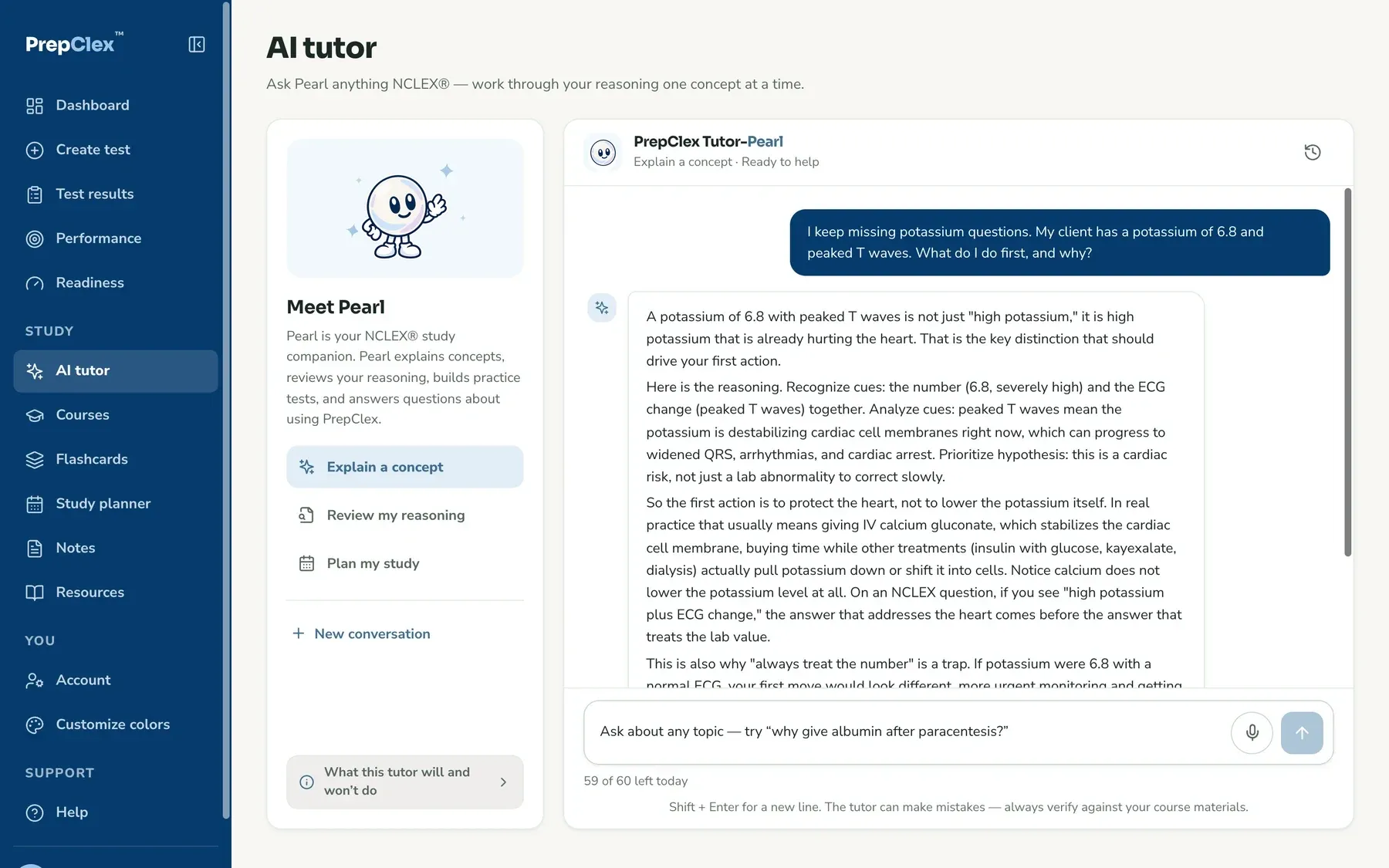
Help that starts where you are
Pearl, your AI tutor, answers about your question, not a textbook page.
- Opens with your question, your answer and the rationale already loaded
- Retaking? Pearl knows what your performance report said
- Builds a practice test when you ask for one
- Type, or just say it out loud
Make me a 20-question pharm test. Only questions I got wrong, tutor mode, no timer.
Here is a 20-question test on Pharmacological and Parenteral Therapies, from the questions you missed.
Make it 50 instead, and timed.
Updated: 50 questions, with a timer. Press Start when you are ready.
Just ask Pearl for a test
No forms. Tell Pearl what you want in your own words, on the AI tutor page, and the test is ready to start.
- Any client-needs area or sub-topic, 1 to 150 questions
- New, missed, marked or skipped questions, and any difficulty
- Tutor or exam mode, with or without a timer
- Change it by asking: "make it 50 instead"
- Nothing starts until you press Start, and Change opens Create test with your choices filled in
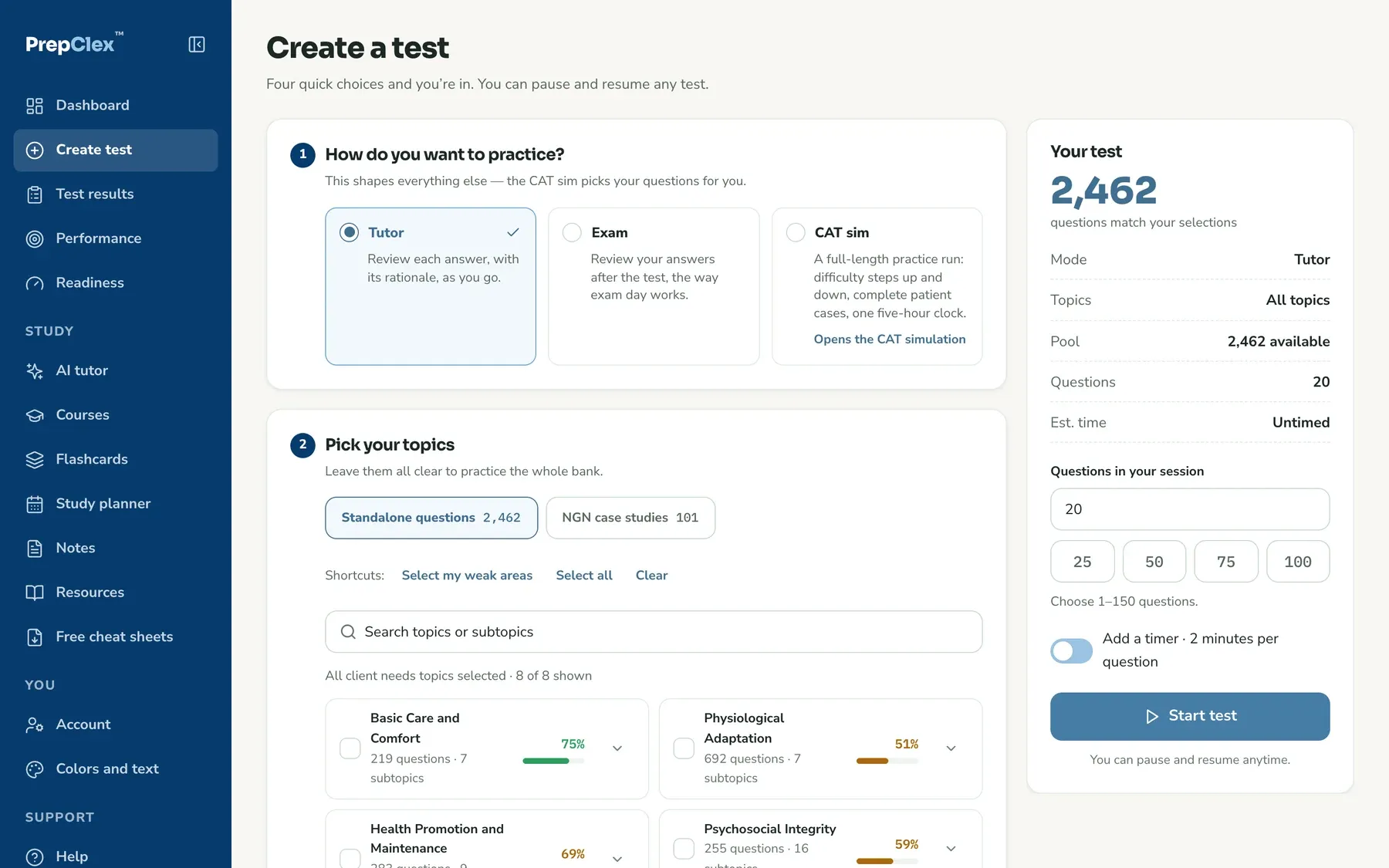
Every test, built your way
Pick exactly what to practice, or let PrepClex™ pick your weak areas for you.
- Any client-needs area or sub-topic, or "Select my weak areas"
- Standalone questions or full NGN case studies
- Only unused, incorrect, marked or skipped questions
- Any item type, any difficulty, 1 to 150 questions
- Tutor or exam mode, with an optional timer
- Or skip this screen: ask Pearl and it builds the test for you
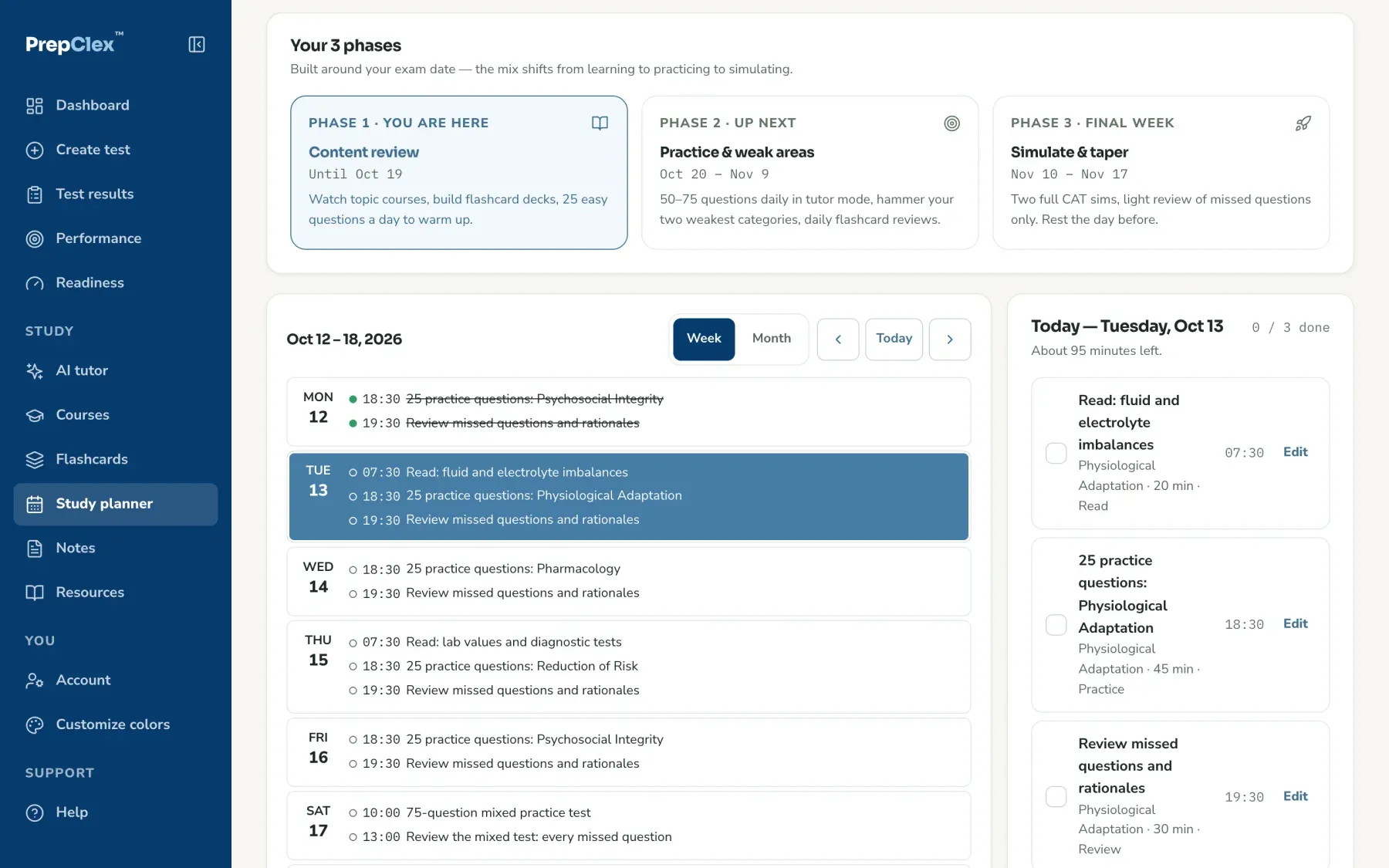
A plan built around your exam date
Tell it when you test. It builds your weeks and keeps up when life happens.
- Three phases that work back from your exam date
- Each session starts on your weakest area
- Add, move or edit any session
- Move your exam date and the plan moves with it
Make it yours.
You will spend a lot of hours here. Pick a theme, fine-tune any color, and save your own themes with your own names. Go ahead, try one.
Showing: Classic blue
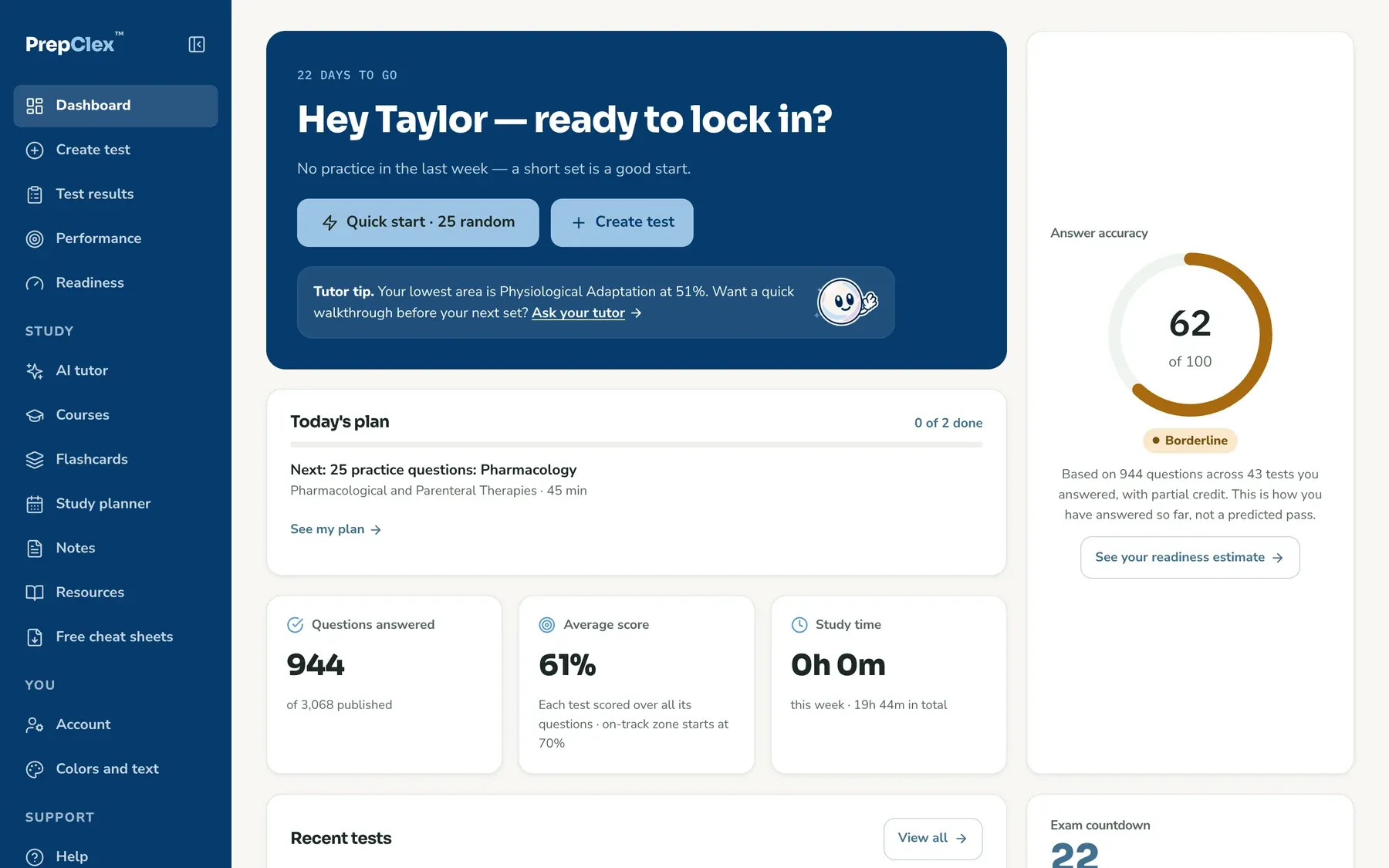
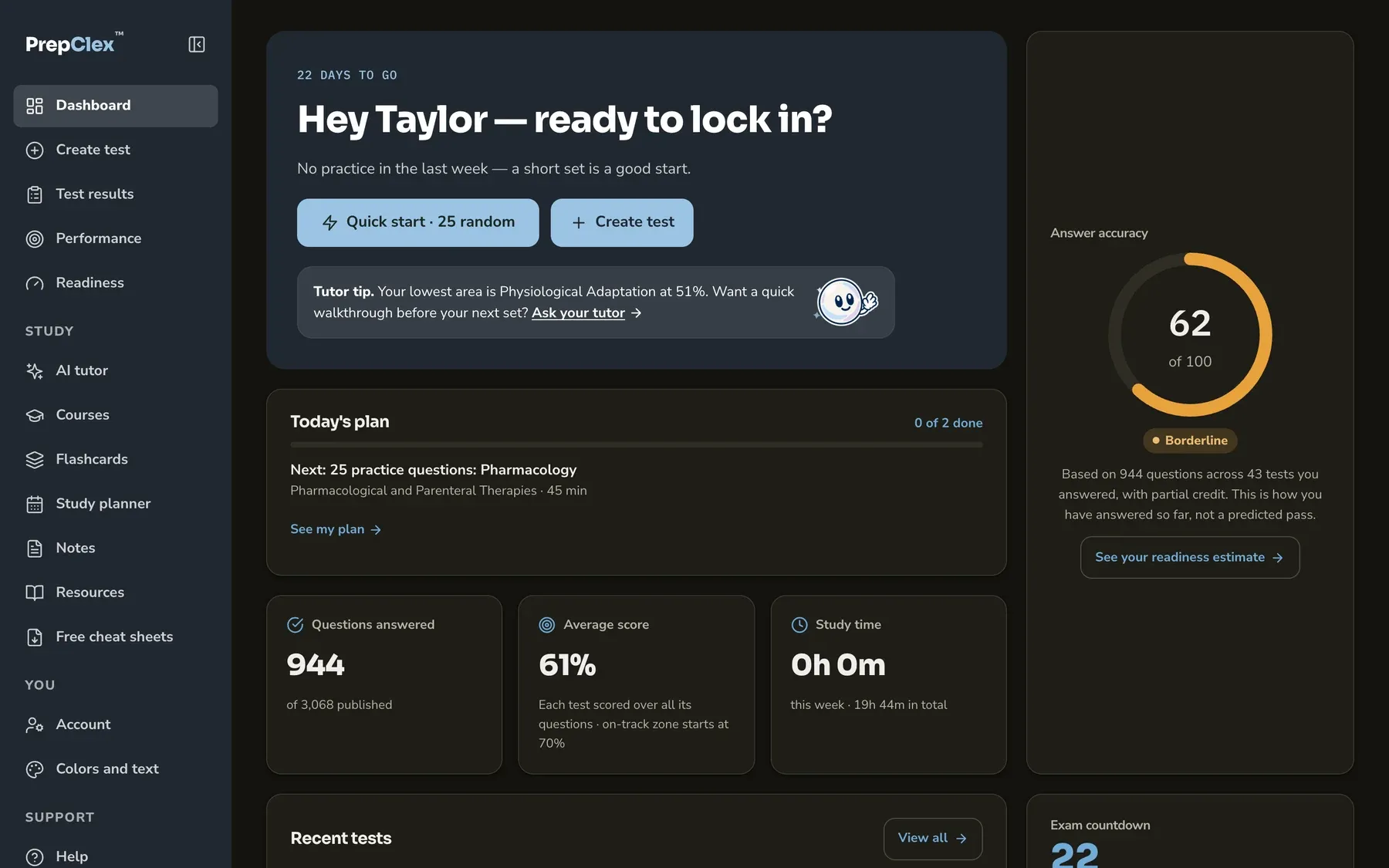
Night shift? There is a dark mode.
Light, dark, or match your device. Your colors carry over. Tests can stay light like the real exam, or go dark.
Text size you can read
Make the question text bigger or smaller right inside the test player, and it stays that way for your next test. Easier on tired eyes after a long shift.
Talk instead of type
Too tired to type? Ask Pearl out loud. Your words appear as text, and you can fix them before you send.
It keeps learning about you.
Retake plan
Retaking the NCLEX®? Enter what your performance report said, and your tests, plan and Pearl start where you need them.
Flashcards from your misses
Every question you miss can become a flashcard, so you review what you actually got wrong.
What to do next
After every test, your top 3 next steps, ranked from your own answers. One tap starts the practice.
Readiness from your data
A readiness score built from your own accuracy, coverage and consistency, with every input shown.
Your notes, on any question
Write a note on any question and find it again in one place, next to the question it belongs to.
Your choice on peer scores
See how other students did on a question, or hide peer scores if you would rather not compare.
Study your way. Get in early.
Every feature on this page comes in one plan.